Caliber vs GymBook (and Where RepBro Fits)
Fair, evidence-aware comparison of Caliber and GymBook on plans, logging speed, progression, and pricing. Explains where RepBro fits for AI plans plus accountability.
Photo by RepBro.
If you want a concise comparison — Caliber and GymBook are both capable workout apps but take different emphases: one leans toward structured programs and analytics while the other emphasizes calendar-style logging and session history. Choose by whether you value planning/progression tools or fast, flexible logging.
What are the core differences in plans and program features?
Caliber and GymBook, as positioned in store descriptions, occupy slightly different niches. One tends to present more program-oriented workflows (deliverable plans, templates and progression options), while the other focuses on straightforward workout logging, calendar views, and session history. Neither approach is inherently superior: evidence-based programming requires progressive overload, appropriate frequency, and gradual volume/intensity adjustments regardless of the app.
If you want a guided plan that adjusts over time, prioritize apps that explicitly offer editable, templated plans and progression settings. If you primarily need fast session capture and retrospective tracking, pick an app optimized for quick entry and overview.
Which app is faster to log workouts and why does speed matter?
Logging speed depends on UI details: preset exercise lists, templates for routines (e.g., a built squat day), fast reuse of recent sets, one-tap increments, voice input, and wearable imports. Faster logging reduces friction and increases consistency — the single biggest contributor to progress is long-term adherence, not the choice of software.
Practical points that make logging fast:
- Templates for full workouts or commonly repeated supersets
- Quick-add buttons for common weights or rep increments
- History reuse that suggests previous sets and loads
- Voice input or watch sync to avoid tapping
If rapid logging is your priority, test the flow in each app for a real session — speed claims on a store page aren’t a substitute for trying interfaces with your routine.
How do they handle progression and programming?
Effective progression follows general training-science consensus: progressive overload (increasing load, reps, or volume over time), appropriate frequency per muscle group (commonly multiple sessions per week for hypertrophy), and planned recovery (including deloads when needed). Apps differ in how much of this they automate:
- Some provide automatic weight increases or suggested increments when you hit target reps consistently.
- Others leave progression entirely to the user or to a coach-supplied plan.
When comparing apps, look for editable progression rules, the ability to set target rep ranges, and fields for RPE or perceived effort if you prefer autoregulation. No app can replace a coach for nuanced periodization, but good tools can reduce bookkeeping.
How do their price models compare?
Many fitness apps now use a freemium model with optional subscriptions to unlock program builders, cloud sync, analytics, or coaching chat. Pricing and tiers change frequently; rather than citing numbers that may be out of date, check the current app-store listing or the vendor’s website for the latest information.
When evaluating price models, consider what you need:
- Single-use logging? A basic free tier may suffice.
- Editable programs and long-term analytics? A subscription is often required.
- Integration with wearables and import/export? Those features are frequently premium.
How do they compare on analytics, history, and export?
Both categories of apps typically store history and offer charts for lifts. The depth varies: some provide simple PR tracking and volume charts; others break volume down by muscle group, intensity bands, or session density. If you rely on longitudinal analytics to guide deloads and progression decisions, prioritize apps that export CSV or integrate with third-party tools for backup and deeper analysis.
Comparison at-a-glance
| Feature | Caliber (typical positioning) | GymBook (typical positioning) |
|---|---|---|
| Primary focus | Program and plan delivery / analytics | Calendar-style logging and session history |
| Logging speed | Depends on templates and presets | Optimized for day-to-day entry and calendar view |
| Progression tools | Often includes plan-based progression (varies) | Often user-controlled progression (varies) |
| Price model | Freemium/subscription common — check store | Freemium/subscription common — check store |
| Analytics | Program-oriented metrics possible | Session history and PR tracking common |
(Notes: Positioning above is based on public app descriptions and typical product roles; verify current feature lists in each app’s store page before deciding.)
Which app is better for building custom programs?
If you want editable, structured plans with built-in progression, choose the app that explicitly advertises a program builder or coach-driven plans. If you prefer to write your own programs and just want fast logging, choose the app optimized for flexible entries and easy history reuse.
Where does RepBro fit if I want AI plans plus accountability?
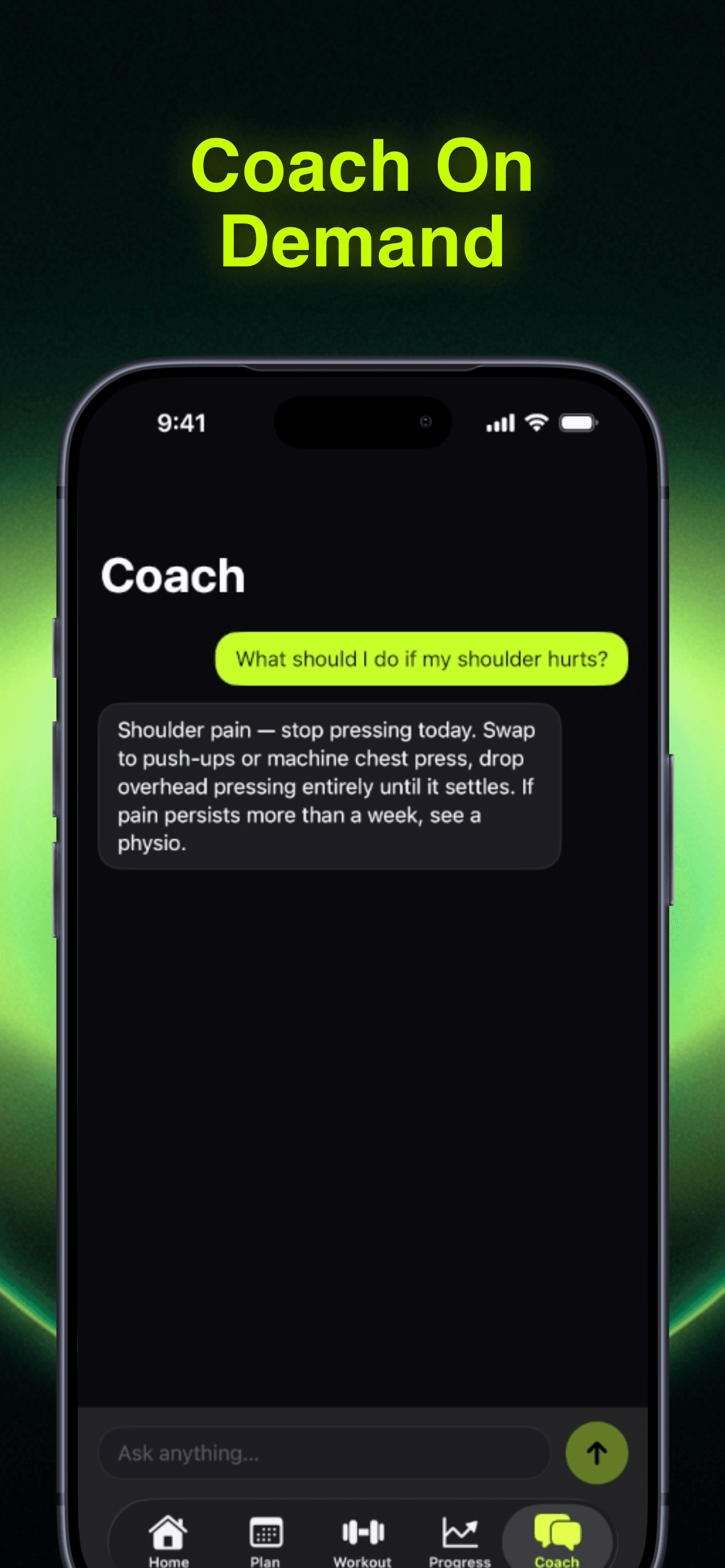
If you’re looking specifically for AI-generated, editable personalized plans plus coach-style accountability, RepBro offers AI-generated personalized workout plans (editable, with a custom plan builder), an AI coach chat, motivational “hype calls” from different coach personas, and features for strength and cardio logging including Apple Watch import. RepBro is iOS-only today (Android in development) and provides offline-first logging, voice logging, a ChatGPT plan import (repbro.app/import), and an AI “Future Me” transformation preview. It operates on a subscription model with a free trial.
Use RepBro if you want an AI planning workflow combined with motivational accountability tools rather than a pure logging app.
What about safety and limitations?
Safety note: Stop training on sharp joint pain or unusual sensations and consult a qualified professional. Apps can guide load and volume but cannot see or correct your form. They also cannot replace a physical therapist or in-person coach for injury diagnosis or rehabilitation.
Limitations of apps and AI coaching
- No app can reliably assess your movement quality or biomechanics from a single log entry; in-person evaluation is required for form correction.
- AI and program suggestions don’t guarantee outcomes; consistent adherence, progressive overload, sleep, nutrition, and recovery are the primary drivers of progress.
- Apps can err or misinterpret context; double-check prescribed loads and modify for your real-world capacity.
- For medical conditions, post-surgical rehab, or complex injuries, a qualified clinician is necessary.
How should I choose?
Prioritize the feature that reduces your friction the most: if missing sessions is the problem, pick the fastest, easiest logging app you’ll actually use. If inconsistent programming or chaotic progress is the issue, pick a tool with editable plans and clear progression rules. Try free tiers or trials to test actual workflow with your typical session.
Final practical tip: export or back up your data regularly and pick a workflow that you can sustain for months — consistency matters far more than minor differences between apps.
Frequently asked questions
- Which app logs workouts faster: Caliber or GymBook?
- Both apps aim to speed logging compared with paper, but the faster option depends on interface details (preset templates, one-touch sets, voice input). In practice, users who prioritize the quickest entry want an app with templates, history reuse, and voice or watch import—features vary by app version.
- Do these apps provide automatic progression?
- Some logging apps offer built-in auto-progression or suggested increases; others are manual. In general you should expect to be able to set progression rules or adjust weights yourself. For systematic overload, pair app guidance with standard programming principles like regular load increases and appropriate frequency.
- Is subscription required for full features?
- Many modern workout apps use a freemium or subscription model to unlock advanced features (program builders, cloud sync, analytics). Availability and price change over time, so check current app-store listings; free trials are commonly offered to test premium tools before subscribing.