Voice Workout Logging: Why Talking to Your Gym App Beats Typing Mid-Set
Voice workout logging lets you track sets without breaking rest periods or losing focus. Learn when voice input beats typing and how to log workouts hands-free during training.
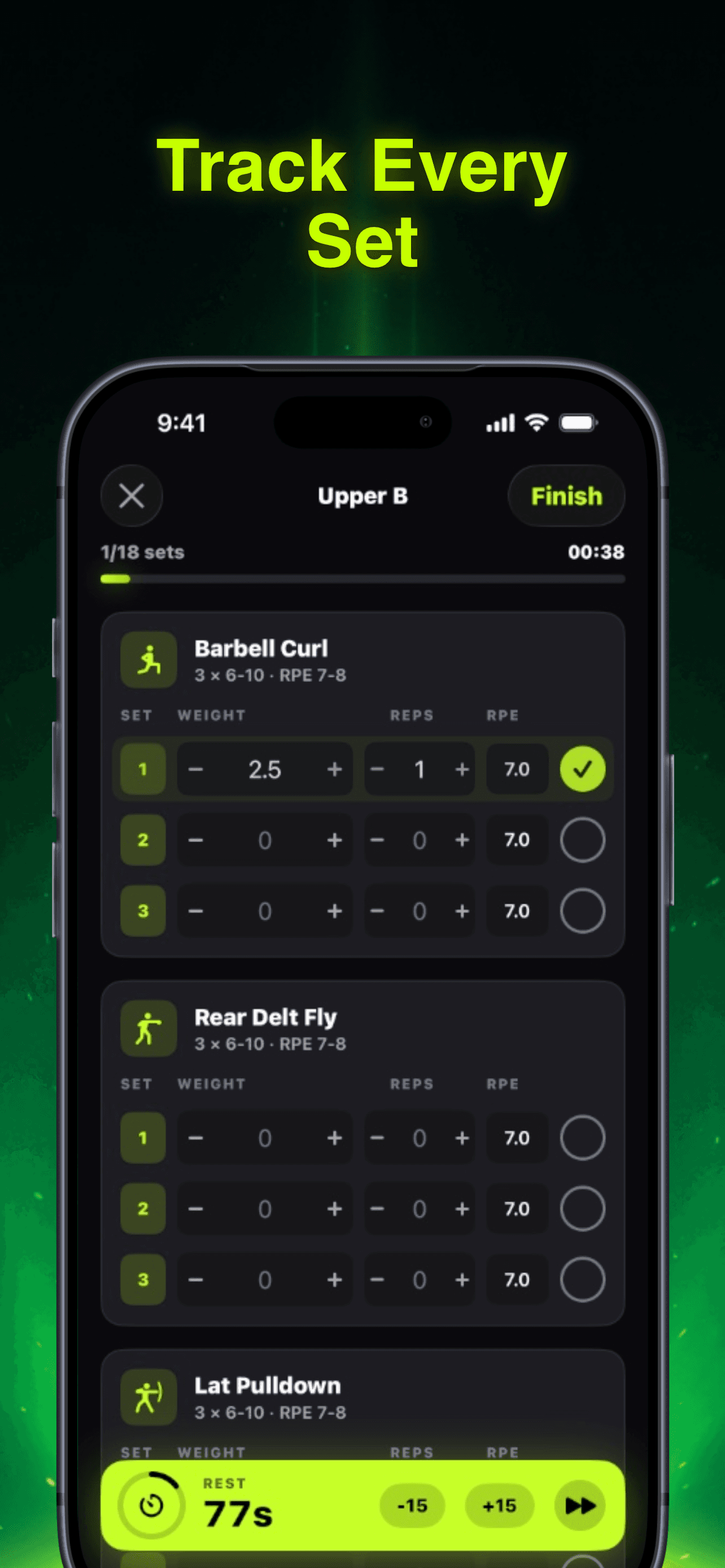
Photo by RepBro.
You're 30 seconds into your rest period when you realize you forgot to log that last set. Your phone screen is locked, you need to unlock it, open the app, navigate to the right exercise, tap through weight and reps, then hope you remember what RPE you actually hit. By the time you're done, your rest timer shows 2:15 and your next set feels rushed.
Voice workout logging solves this problem by letting you speak your sets without breaking your training rhythm. Instead of fumbling with your phone between heavy deadlifts, you say "225 for 8 reps, RPE 7" and get back to your rest. The app handles the data entry while you focus on your next set.
This isn't about convenience—it's about maintaining the training stimulus that drives your progress.
Why Mid-Set Typing Kills Your Workout Flow
Every second you spend typing during rest periods is a second stolen from recovery. Research shows optimal rest periods for strength training range from 2-5 minutes depending on the lift and intensity. When you're chasing a new PR on squats, those minutes matter.
Here's what happens when you rely on manual logging:
- Screen timeout forces you to unlock and navigate back to your workout
- Typing weight, reps, and RPE takes 15-30 seconds per set
- You lose track of your actual rest time
- Heavy breathing makes precise tapping harder
- Chalk or sweat on your fingers interferes with touchscreen response
I've watched lifters spend 45 seconds logging a set that took 20 seconds to complete. That's not tracking—that's distraction.
The cognitive load matters too. When you're mentally preparing for a heavy set, the last thing you need is to remember whether you hit 8 or 9 reps three exercises ago. Voice logging captures that information immediately while it's fresh.
Where Voice Input Actually Helps (And Where It Doesn't)
Voice workout logging shines in specific scenarios, but it's not magic for every situation.
Voice logging works best for:
- Compound movements with longer rest periods (squats, deadlifts, bench press)
- Heavy sets where you need to focus on the next attempt
- Supersets where you're moving between exercises quickly
- Home workouts where you're training alone
Stick to manual input when:
- Your gym is extremely loud (music, dropping weights, shouting)
- You're doing high-rep accessory work with short rest periods
- Privacy matters (some people don't want to announce their lifts)
- You're using equipment that requires precise positioning between sets
The key is having both options available. Some apps force you to choose voice or manual for your entire workout. Better apps let you switch based on what you're doing.
How to Log Workouts by Voice Effectively
The best voice workout logging systems understand gym context. They know that when you say "315 for 3" after a squat, you mean 315 pounds for 3 reps—not 3 sets or 3 minutes.
Effective voice commands should be:
- Natural: "225 for 8, RPE 7" beats "weight two-two-five reps eight RPE seven"
- Contextual: The app knows which exercise you're on
- Error-tolerant: Background noise shouldn't break the system
- Confirmable: You can see what was logged and correct mistakes
Most voice systems work best when you establish a consistent pattern. If you always say weight first, then reps, then RPE, the app learns to parse that structure reliably.
Some lifters worry about looking foolish talking to their phone in the gym. In my experience, most people are too focused on their own workouts to care. If anything, other lifters often ask what app you're using.
The Rest Timer Integration Problem
Here's where most fitness apps fail: they treat voice logging as a separate feature instead of integrating it with rest timing. You finish a set, the rest timer starts, you speak your log entry, and the timer keeps running. Perfect.
But many apps pause the timer when you open the logging interface, or they don't start the timer until after you've manually entered your data. This defeats the purpose of tracking rest periods accurately.
The best implementation starts your rest timer immediately when you complete a set, accepts voice input during that rest period, and gives you a clear countdown to your next set. No interruptions, no manual timer management.
Voice Commands Beyond Basic Logging
Advanced voice workout logging goes beyond "weight for reps." The most useful systems let you:
- Swap exercises: "Replace leg press with Bulgarian split squats"
- Adjust rest periods: "Add 30 seconds to rest timer"
- Ask programming questions: "Why am I doing 3x8 instead of 5x5?"
- Log subjective data: "That felt easy, increase weight next time"
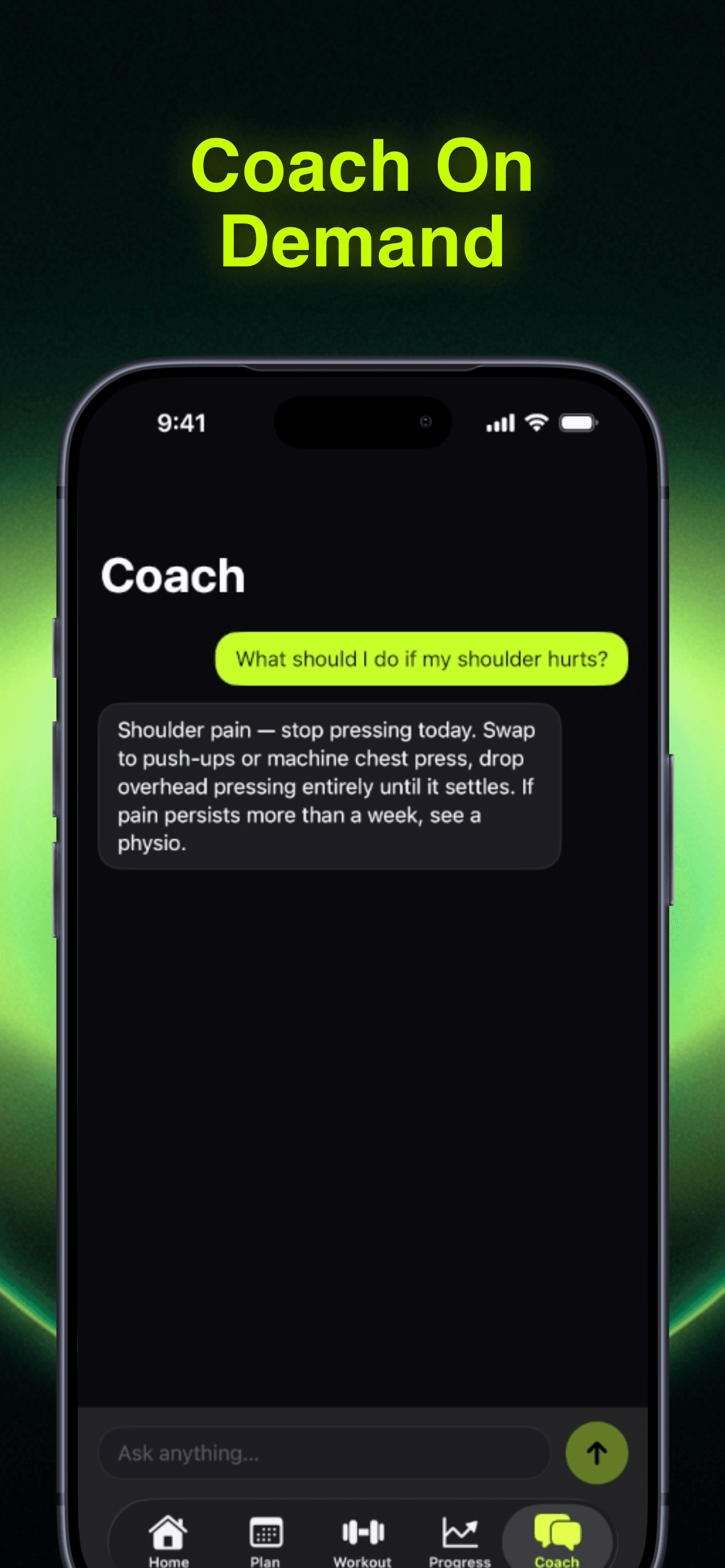
This turns your workout app into a training partner that responds to speech. Instead of breaking your flow to navigate menus, you communicate naturally about what's happening in your session.
The key is context awareness. When you say "that was too easy," the app should know which set you mean and suggest appropriate adjustments for your next workout.
Siri Integration and iOS Shortcuts
iPhone users have an advantage here. Apps that integrate with Siri Shortcuts let you create custom voice commands that work system-wide. You can set up phrases like "Log my set" or "Start my workout" that launch specific functions without opening the app first.
The best gym apps support Siri integration natively, so your voice commands work even when the app isn't active. This means you can log sets while your phone is locked or while using other apps (like music or podcasts).
Some lifters create elaborate Siri Shortcuts that log their workout and immediately start playing their next rest period playlist. Others use voice commands to text their training partner with PR updates. The flexibility depends on how well the app exposes its functions to iOS.
Privacy and Accuracy Considerations
Voice logging raises two practical concerns: privacy and accuracy. Both are manageable with the right approach.
For privacy, most apps process voice commands locally on your device rather than sending audio to cloud servers. This means your workout data stays private, but it also means the voice recognition might be less sophisticated than cloud-based systems.
For accuracy, the biggest challenge is gym noise. Dropping weights, music, and conversations can interfere with voice recognition. The best apps let you repeat commands or fall back to manual input when voice fails.
Some apps show a real-time transcription of what they heard, so you can catch errors immediately. Others use confirmation prompts: "Did you mean 225 for 8 reps?" This adds a step, but it prevents logging the wrong data.
When Voice Logging Actually Improves Your Training
The real benefit of voice workout logging isn't convenience—it's consistency. When logging is frictionless, you're more likely to track every set accurately. When you track every set accurately, you have better data for programming decisions.
I've seen lifters make better progress simply because voice logging helped them realize they were consistently undershooting their target RPE on accessories. The data was always there, but manual logging made it too tedious to capture reliably.
Voice logging also helps with adherence. When your workout flows smoothly from set to rest to next set, you're more likely to complete the full session instead of cutting it short because logging feels like work.
The best voice workout logging feels invisible. You speak, the app listens, your training continues. No friction, no distraction, just data capture that supports your goals instead of interrupting them.
Ready to try hands-free workout tracking? RepBro's voice logging system understands gym context and integrates seamlessly with rest timers, so you can focus on lifting instead of typing.
Frequently asked questions
- How accurate is voice workout logging compared to manual typing?
- Voice logging accuracy depends on gym noise levels and app quality. Modern apps achieve 95%+ accuracy in typical gym environments, with the ability to fall back to manual input when voice recognition fails.
- Can I use voice logging with AirPods or headphones?
- Yes, most voice workout logging apps work with Bluetooth headphones and AirPods. The microphone in your earbuds often provides clearer audio than your phone's built-in mic, improving recognition accuracy.
- Does voice logging work during loud gym music or crowded spaces?
- Voice recognition can struggle with very loud environments. The best apps use noise cancellation and contextual understanding to filter background sounds, but manual input remains available as backup.
- What voice commands work best for logging sets?
- Simple, consistent patterns work best: 'Weight for reps, RPE number' (e.g., '225 for 8, RPE 7'). Most apps learn your speech patterns and improve recognition over time with regular use.
- Can voice logging start my rest timer automatically?
- Advanced workout apps integrate voice logging with rest timers, starting the countdown immediately when you log a completed set. This maintains accurate rest periods without manual timer management.