How Accurate Is Apple Watch Workout Tracking? The Truth About Calories and Heart Rate
Apple Watch excels at heart rate tracking (±3-5%) but struggles with strength training calories. Here's where it's accurate and where it quietly gets it wrong.
Your Apple Watch buzzes after a brutal squat session: "Great workout! You burned 847 calories." But how accurate is that number? And what about those heart rate spikes during your deadlift sets?
The short answer: Apple Watch workout tracking accuracy varies dramatically by metric and exercise type. Heart rate tracking hits within 3-5% of chest strap monitors during steady cardio, but calorie estimates for strength training can be off by 30-50%. The watch excels at continuous movement but struggles with the stop-start nature of lifting.
Here's exactly where your Apple Watch nails it and where it quietly gets things wrong.
Heart Rate Accuracy: Where Apple Watch Shines
Apple Watch heart rate tracking is genuinely impressive for most workout scenarios. The optical sensors use photoplethysmography—detecting blood volume changes in your wrist—and they've gotten remarkably good at it.
During cardio workouts, Apple Watch heart rate accuracy typically falls within 3-5% of medical-grade chest straps. Running, cycling, rowing, and other steady-state activities give the sensors clean, consistent data to work with. Your heart rate stays elevated, your wrist doesn't move erratically, and the algorithm can smooth out minor fluctuations.
Strength training presents a different challenge. Those explosive deadlifts and heavy bench presses create wrist movement that can confuse optical sensors. But here's what most lifters don't realize: Apple Watch actually handles strength training heart rate better than most competitors.
The latest Apple Watch models use multiple LEDs and photodiodes to capture heart rate data from different angles. When you're gripping a barbell, blood flow to your wrist changes, but the watch compensates by switching between sensor arrays.
Where Heart Rate Tracking Struggles
Three scenarios consistently trip up Apple Watch heart rate accuracy:
- Cold weather workouts: Reduced blood flow to extremities makes optical reading harder
- High-intensity intervals: Rapid heart rate changes during HIIT can lag by 10-15 seconds
- Loose watch bands: Any gap between sensor and skin kills accuracy
The lag issue matters most for strength training. Your heart rate spikes during a heavy set, then drops quickly during rest. Apple Watch might show you hitting 160 BPM when you're actually back down to 120.
Calorie Counting: The Weak Link
This is where Apple Watch workout tracking accuracy takes a nosedive. Calorie estimates for strength training can be wildly inaccurate—often underestimating by 30-50%.
The problem isn't the watch itself. It's that calculating calories burned during resistance exercise is genuinely difficult, even for researchers with laboratory equipment.
Apple's algorithm assumes your calorie burn correlates directly with heart rate elevation. This works reasonably well for cardio, where sustained effort translates to sustained energy expenditure. But strength training energy demands don't follow the same pattern.
A heavy squat set might spike your heart rate to 170 BPM for 45 seconds, but the actual metabolic cost extends far beyond that brief window. Your body continues burning calories during rest periods to clear lactate, replenish phosphocreatine stores, and maintain elevated protein synthesis.
The EPOC Problem
Excess Post-Exercise Oxygen Consumption (EPOC) represents the calories you burn after your workout ends. Heavy resistance training can elevate your metabolic rate for 12-24 hours post-workout.
Apple Watch captures none of this. It tracks calories during active exercise periods and stops counting when your heart rate returns to baseline. For a typical strength session, this misses 20-40% of the total energy cost.
Strength Training Tracking: Built for Cardio
Apple Watch strength training tracking feels like an afterthought compared to its cardio features. The "Strength Training" workout mode relies heavily on motion sensors and heart rate, but it can't differentiate between a 135-pound bench press and a 225-pound bench press.
The watch knows you're moving weight, but it has no idea how much weight or how that impacts energy expenditure. A set of 5 reps at 85% 1RM burns more calories than 15 reps at 50% 1RM, even if both sets take the same time and generate similar heart rates.
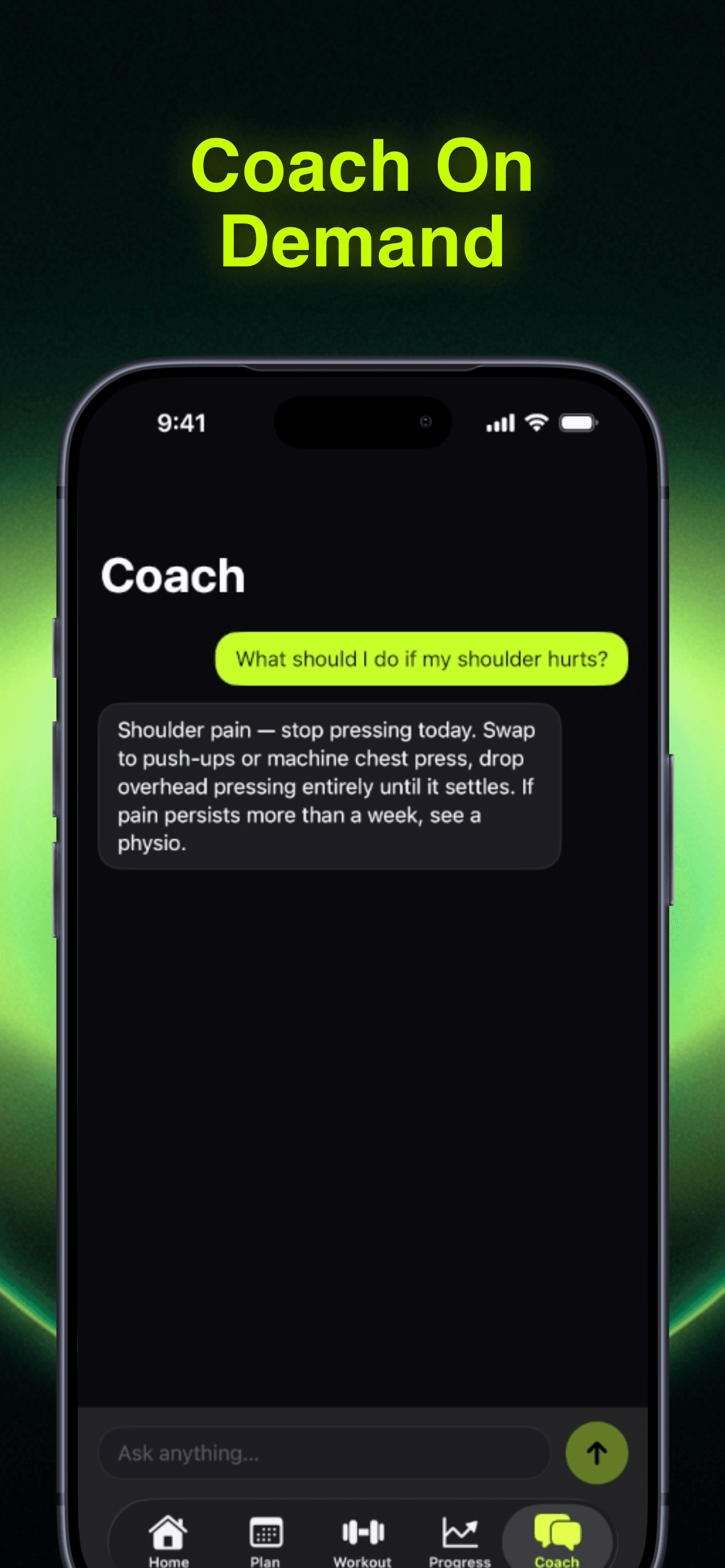
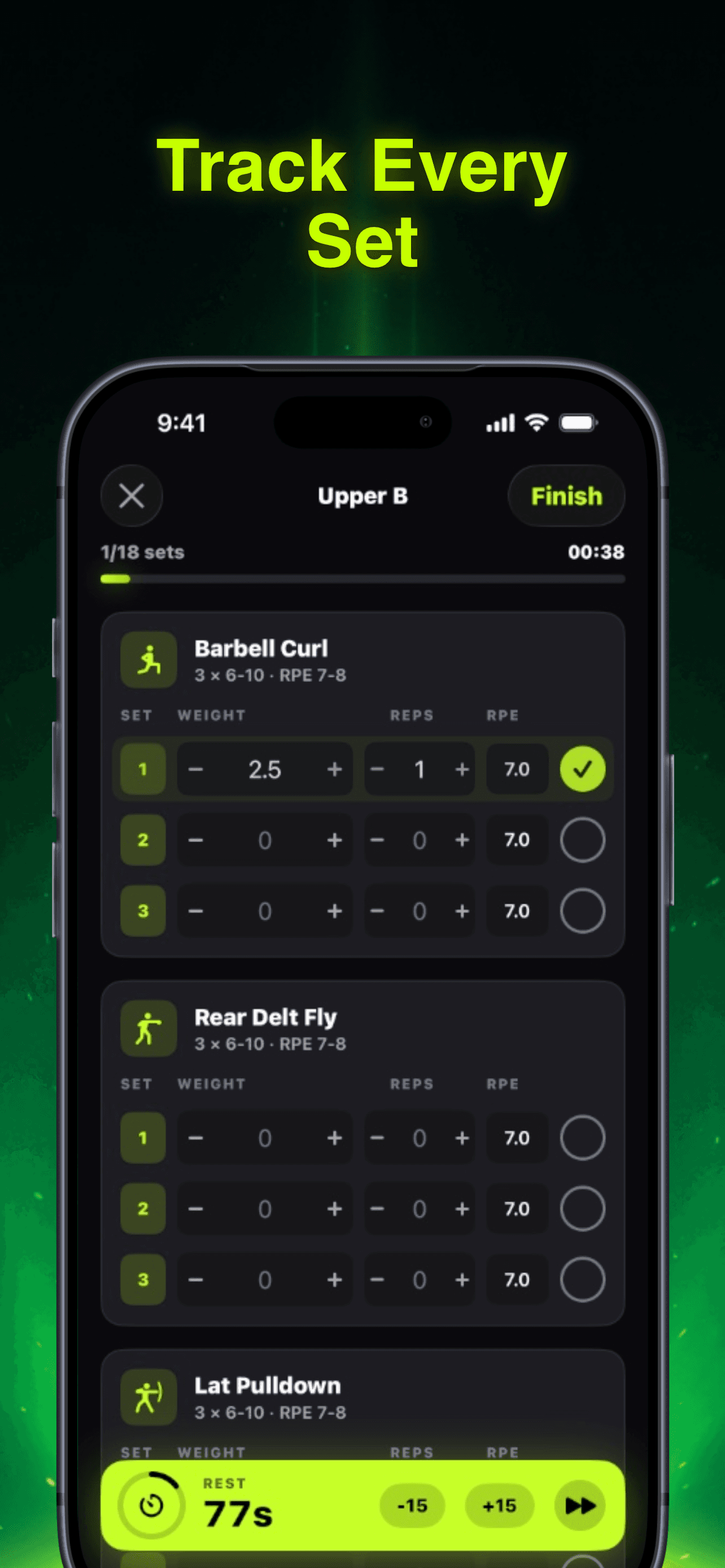
This is why dedicated strength training apps like RepBro track actual load progression. When you log 225x5 on bench press, the app knows exactly what work you performed and can calculate more accurate training stress.
What Apple Watch Gets Right in the Gym
Despite its limitations, Apple Watch does nail several aspects of gym tracking:
- Workout duration: Accurate to the second
- Active vs. rest periods: Motion sensors distinguish between sets and rest
- Consistency: Results are reproducible, even if not perfectly accurate
- Trend tracking: Week-over-week patterns remain meaningful
The key is understanding what the numbers represent. Your Apple Watch calorie count isn't gospel, but it's a consistent metric you can use to gauge workout intensity over time.
Comparing Apple Watch to Alternatives
Chest strap heart rate monitors remain the gold standard for accuracy, typically within 1-2% of EKG readings. But they're uncomfortable during bench press and deadlifts, where the strap can shift or dig into your torso.
For most lifters, Apple Watch strikes the right balance between accuracy and convenience. You're not going to get research-grade precision, but you'll get consistent data that's good enough for tracking trends and progress.
Other wearables face similar limitations. Fitbit, Garmin, and Whoop all struggle with strength training calorie estimates. The physics of measuring resistance exercise energy expenditure through wrist-worn sensors simply hasn't been solved yet.
How to Improve Your Apple Watch Accuracy
You can optimize your Apple Watch workout tracking with a few simple adjustments:
Tighten your band before workouts. The watch should sit snugly against your wrist without cutting off circulation. Loose bands kill heart rate accuracy.
Use the correct workout type. Select "Strength Training" rather than "Other" or "Fitness Gaming." The algorithm adjusts expectations based on your selection.
Calibrate regularly. Take your Apple Watch on outdoor walks and runs to improve its motion algorithms. Better step counting translates to better calorie estimates.
Track trends, not absolutes. Focus on week-over-week changes rather than daily calorie totals. Consistency matters more than precision.
The Bottom Line for Lifters
Apple Watch workout tracking accuracy is excellent for heart rate monitoring and decent for tracking workout consistency. But if you're serious about strength training progress, you need more than what any wrist-worn device can provide.
The watch can tell you that you worked out, but it can't tell you if you're getting stronger. That requires tracking actual loads, reps, and progressive overload—metrics that only dedicated strength training apps capture accurately.
For your next workout, use your Apple Watch to monitor effort and recovery between sets, but log your actual performance somewhere that understands the difference between 135 and 225 pounds.
Frequently asked questions
- Is Apple Watch heart rate accurate during strength training?
- Yes, Apple Watch heart rate tracking is generally accurate within 3-5% during strength training, though it may lag 10-15 seconds during rapid heart rate changes between sets and rest periods.
- How accurate is Apple Watch calorie counting for weightlifting?
- Apple Watch significantly underestimates calories burned during strength training, often by 30-50%. It misses the extended metabolic cost (EPOC) that continues for hours after lifting.
- Should I trust my Apple Watch workout calories?
- Use Apple Watch calories as a consistent metric for tracking trends rather than absolute accuracy. The numbers are reproducible but not precise, especially for resistance training.
- Can Apple Watch track weight lifting progress?
- No, Apple Watch cannot differentiate between different weights or track progressive overload. It knows you're lifting but not how much weight or whether you're getting stronger over time.
- How can I make my Apple Watch more accurate for workouts?
- Tighten your watch band before workouts, select the correct workout type, calibrate with outdoor activities, and focus on tracking trends rather than daily absolutes.